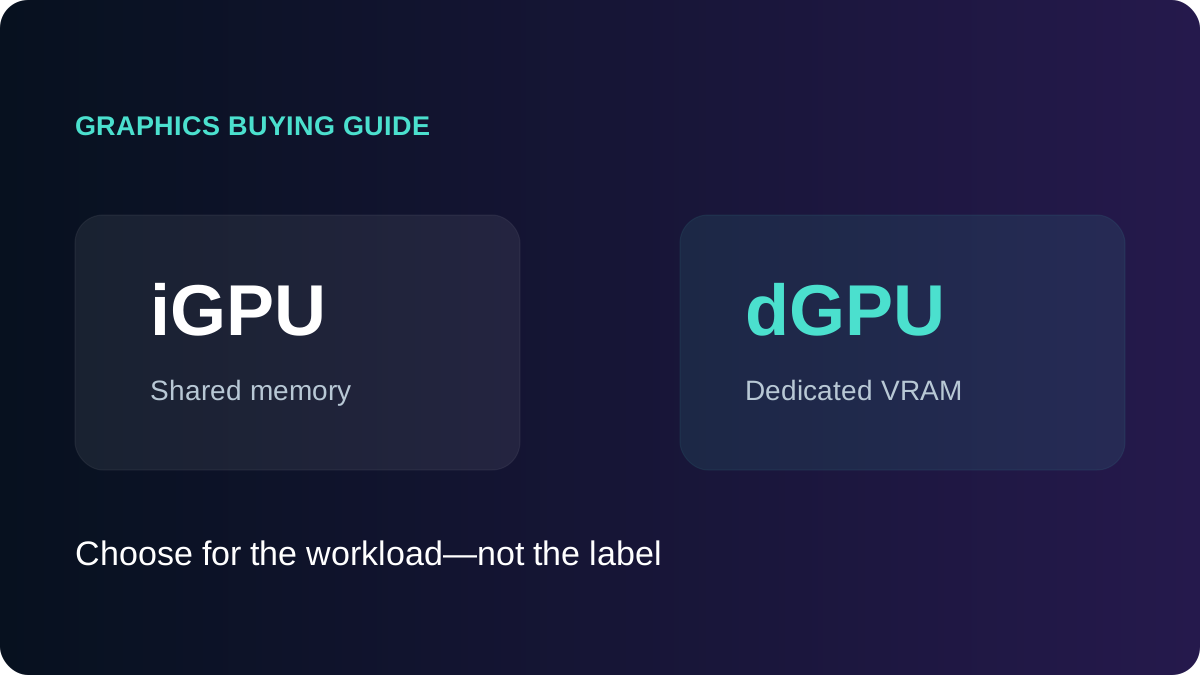
An integrated GPU shares system memory and sits inside the processor or package. A dedicated GPU is a separate graphics processor, usually with its own VRAM. The trade-off includes price, heat, battery life and weight—not only speed.
| Area | Integrated | Dedicated |
|---|---|---|
| Memory | Shares system RAM | Usually dedicated VRAM |
| Power and heat | Usually lower | Higher; needs more cooling |
| Cost and weight | Often cheaper and lighter | Often more expensive and heavier |
| Workloads | Daily work, acceleration, light games | 3D, editing, games and GPU compute |
When integrated graphics are enough
Modern integrated graphics cover web, Office, video, meetings, programming and most study. They can also handle light image work, simple video edits and selected games. Fast or dual-channel memory matters because the iGPU shares system RAM.
When to buy a dedicated GPU
- Modern games at higher settings.
- Large 3D scenes and GPU rendering.
- Layered 4K editing and accelerated effects.
- Engineering software recommending certified graphics and a VRAM target.
- Machine-learning tools built for a specific GPU platform.
VRAM is not the model name
“4GB graphics” is not enough information. Architecture, processing resources, memory bandwidth, power and cooling can make two 4GB GPUs perform very differently. Record the complete GPU name and do not confuse shared system memory with dedicated VRAM.
Hybrid graphics
Many laptops use the iGPU for light work and switch to the dGPU for demanding applications. Display routing, drivers and application settings can affect which GPU is used and how it performs.
Bottom line
Choose integrated graphics for mobility, daily work and lower cost. Choose dedicated graphics when a named application or game benefits from it, and verify the exact GPU, VRAM and cooling instead of relying on the word “dedicated”.