There is no permanent winner between Intel and AMD. Both companies sell excellent and entry-level processors, and results change by generation, power class and laptop design. The useful question is which complete laptop delivers the performance, battery life, cooling and price your workload needs.
Compare like with like
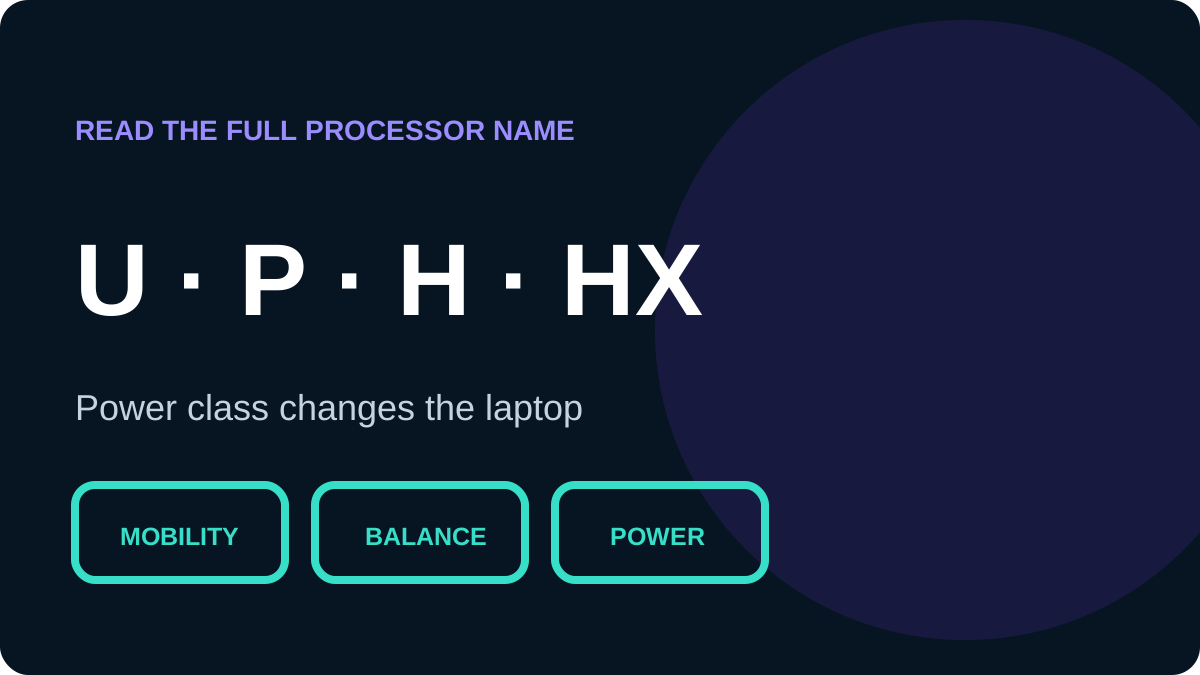
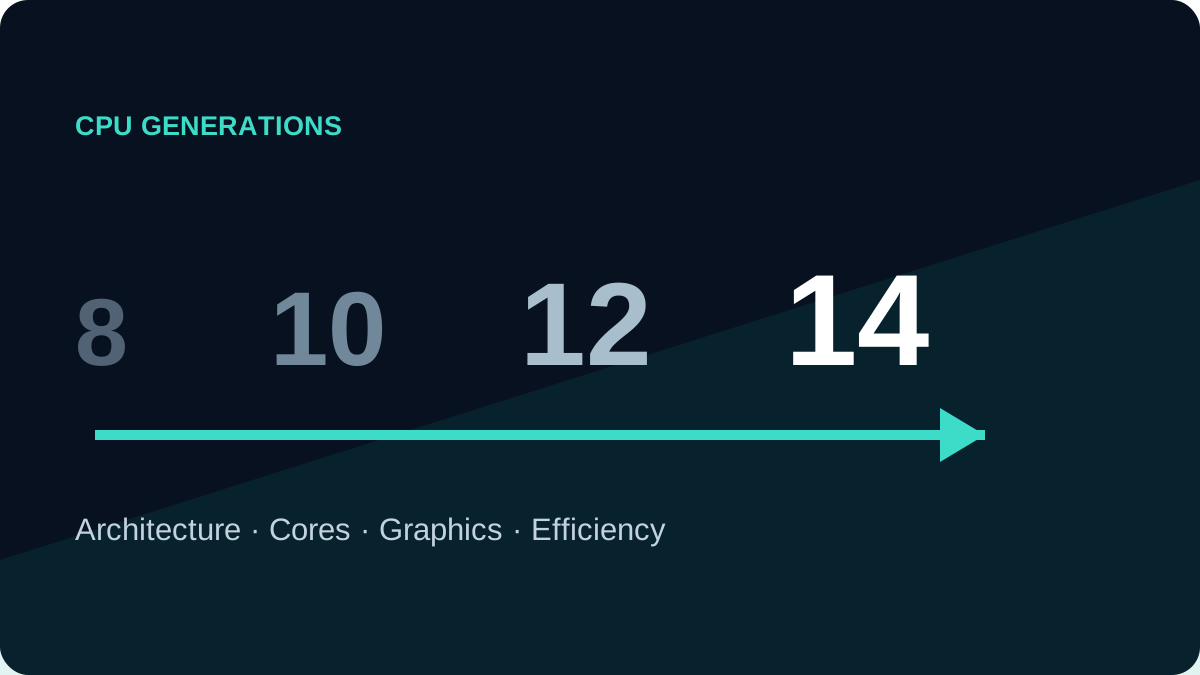
Check release generation, core and thread count, power class such as U or H, and cooling. The same processor can behave differently in a thin chassis and a larger machine because sustained power and temperature limits differ.
| Factor | What it affects | What to verify |
|---|---|---|
| Single-core speed | Responsiveness, Office and parts of CAD | Tests of the same laptop |
| Multi-core speed | Rendering, exports, builds and heavy multitasking | Sustained performance |
| Integrated graphics | Displays, acceleration and light games without a dGPU | Exact iGPU and memory layout |
| Efficiency | Battery, heat and fan noise | Battery size and model reviews |
Where Intel makes sense
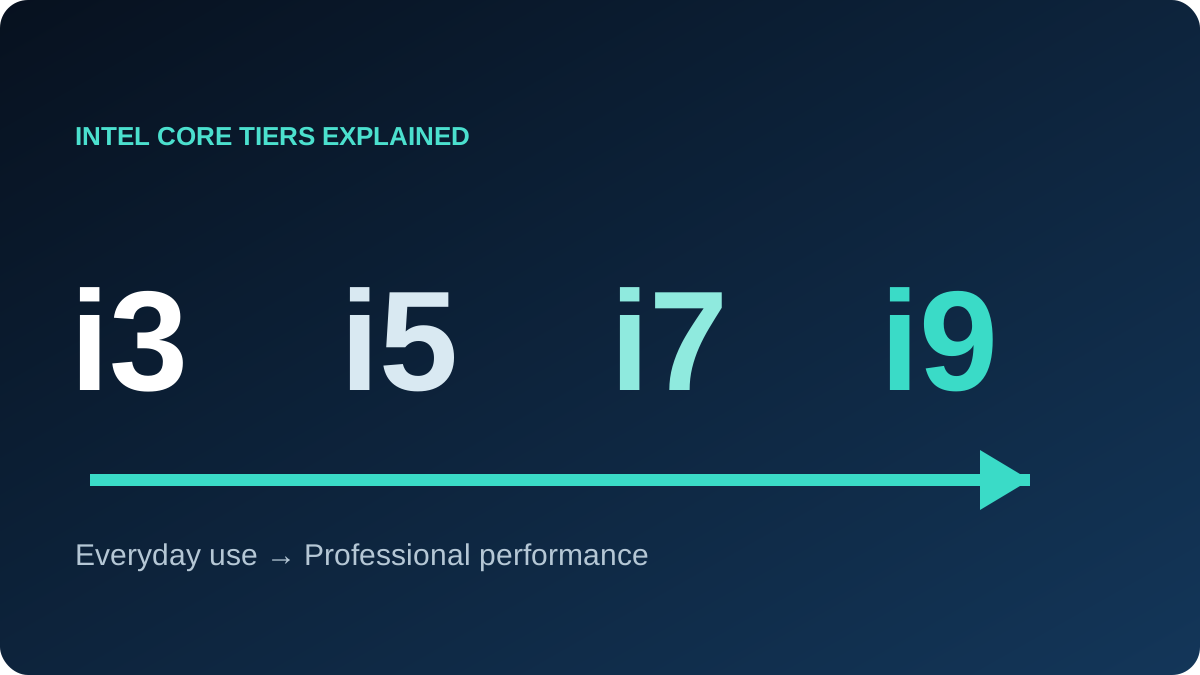
Intel is available in a very broad range of business laptops, which creates more choices in the imported-device market. Some managed business environments may also standardise on Intel platforms. Still, confirm the software requirement and full CPU number. Modern Intel naming includes Core 3/5/7 and Core Ultra 5/7/9 alongside older Core i3/i5/i7/i9 names, so an old i7 may trail a newer i5.
Where AMD makes sense
Ryzen spans affordable systems through high-performance laptops and can offer strong multi-core value. Radeon integrated graphics in some generations are capable for acceleration and light gaming, but the difference between generations is substantial. Read the complete model, Zen architecture, core count, power class and upgrade options.
Recommendations by workload
- Study and Office: a recent Core i5 or Ryzen 5 with 16GB RAM and an SSD is usually more balanced than an old high-tier CPU with 8GB.
- Programming: prioritise cores and 16GB minimum; consider 32GB for virtual machines, Docker and large projects.
- Engineering: follow the application requirements; RAM and a suitable GPU may matter more than the CPU brand.
- Gaming and editing: GPU, power limits and cooling are decisive.
- Mobility: use battery tests for the exact laptop, not processor marketing alone.
Final decision
When two platforms are close in age and price, choose the laptop with the better display, enough memory, upgradeable storage, reliable cooling and clear warranty. The processor matters, but it is only one part of the machine.