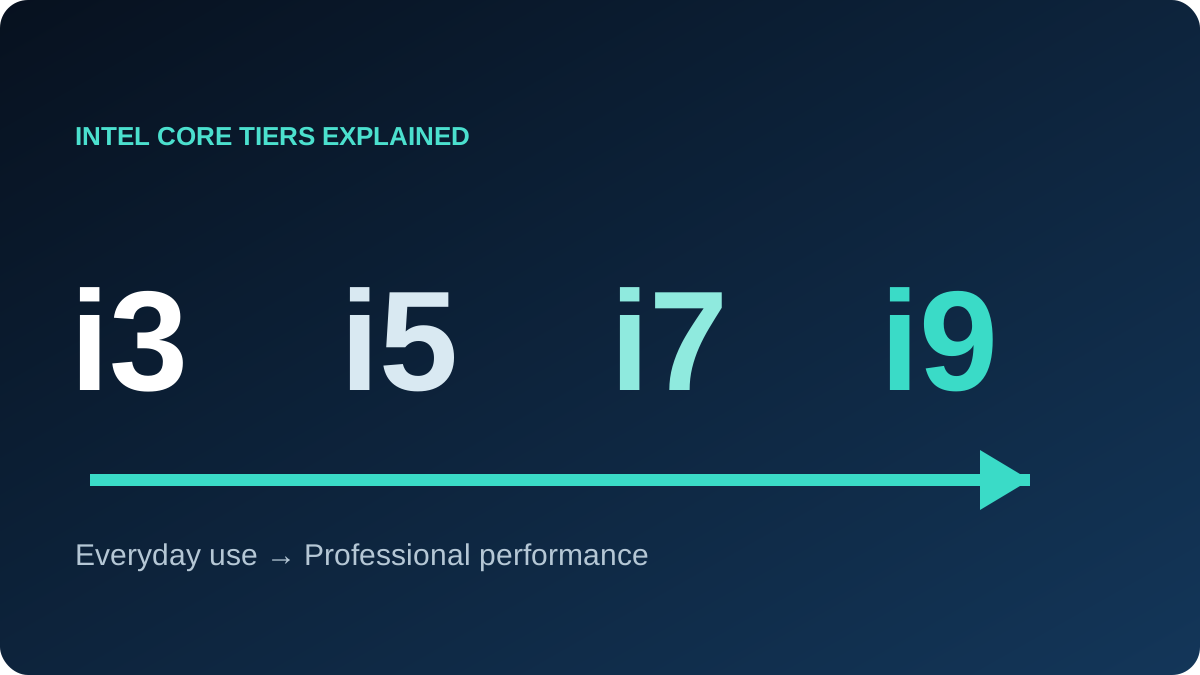
Core i3, i5, i7 and i9 are relative tiers within a product family and generation, not a permanent ranking across every year. Always compare the complete name, such as Core i5-1135G7 and Core i7-11800H.
| Tier | Typical fit | Balanced configuration |
|---|---|---|
| Core i3 | Web, Office, classes and light business tools | 8–16GB + SSD |
| Core i5 | Study, coding, daily work and light design | 16GB + NVMe SSD |
| Core i7 | Large projects, engineering, editing and gaming with a suitable GPU | 16–32GB + good cooling |
| Core i9 | Professional rendering, exports and compute-heavy work | 32GB+ + strong cooling |
Core i3
A sensible modern i3 with an SSD handles browsing, email, Office, meetings and video. Choose 16GB if you keep many apps and tabs open. Older low-core models are not ideal for long renders, simulation or heavy editing.
Core i5
The usual value sweet spot for students, office users and developers. A recent i5 with 16GB and an SSD is commonly a better purchase than an older i7 paired with too little memory or a weak display.
Core i7
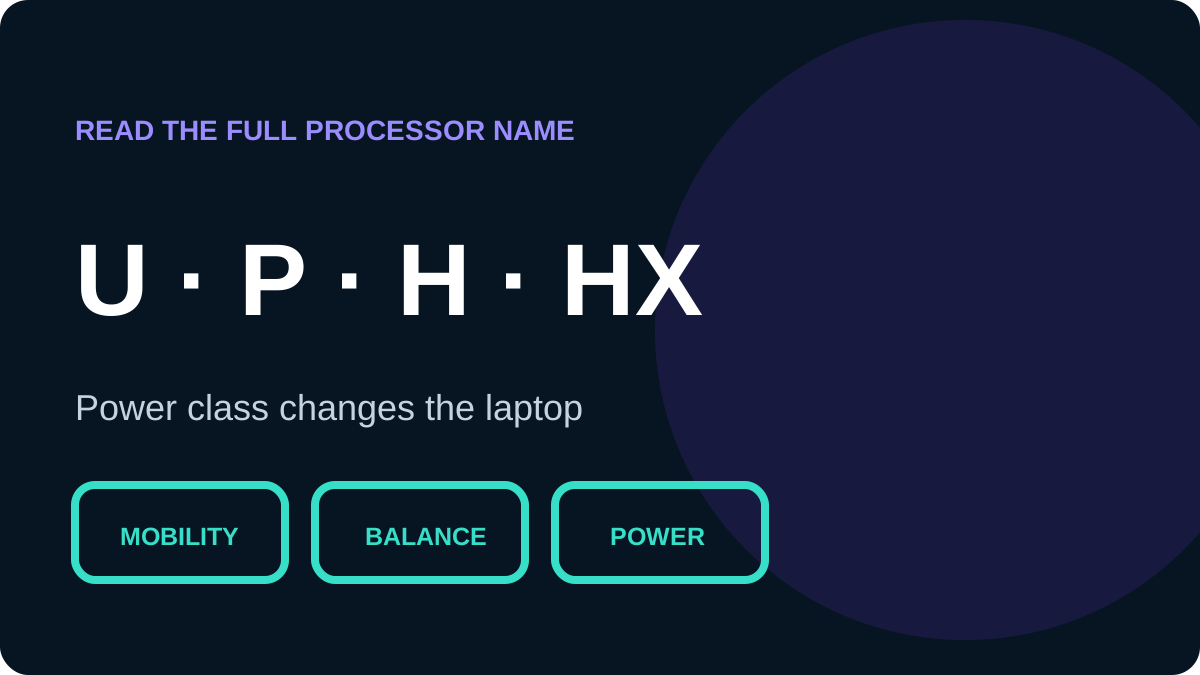
Useful for large builds, local databases, virtual machines, engineering tools, video editing and high-refresh gaming. Read the suffix: U models favour mobility, while H and HX models generally target higher sustained performance. An i7 label does not guarantee dedicated graphics.
Core i9
A specialist tier for users who repeatedly render, export, compile or simulate. Thin cooling can limit its advantage, and everyday work rarely justifies the extra cost.
What can reverse the ranking?
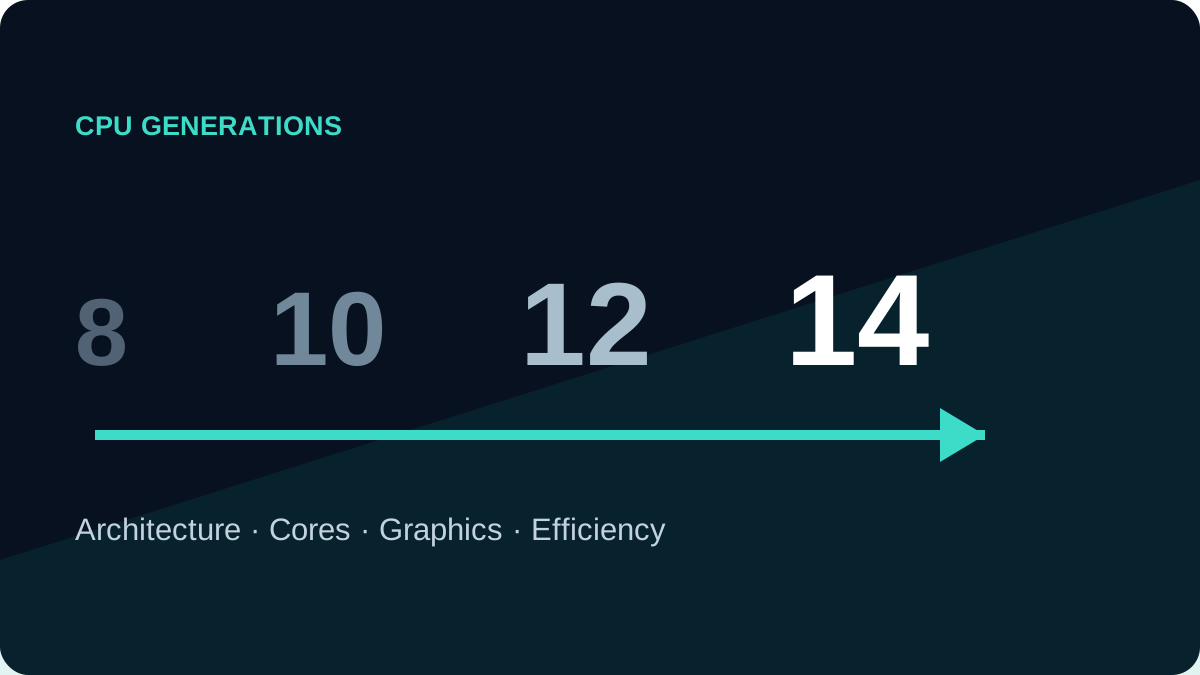
- Generation: a newer mid-tier design can outrun an older flagship.
- Suffix: power class changes sustained performance.
- Laptop design: cooling, memory speed and power limits matter.
Buying checklist
Record the full model, core count, launch generation and power class. Then compare memory, storage, display, upgradeability, battery condition and warranty. The tier narrows the shortlist; it does not finish the decision.