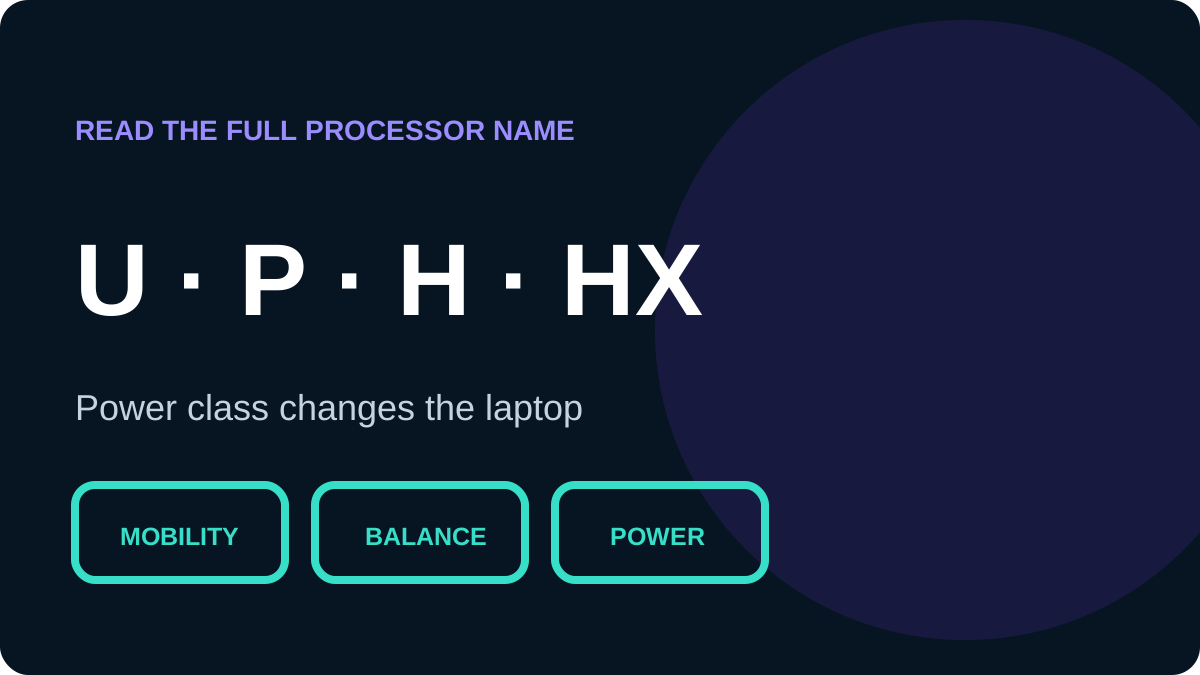
The suffix at the end of a processor number identifies a product line and its intended balance of power and mobility. It is useful, but generation, cooling and configured power limits still determine real performance.
| Suffix | Typical intent | Common fit |
|---|---|---|
| U | Power-efficient mobile | Study, Office and mobility |
| P | Performance for selected thin designs | Multitasking and development |
| H | High-performance mobile | Engineering, editing and games |
| HX | Top mobile performance class | Workstations and heavy rendering |
| G + number | Graphics level in some earlier naming systems | Systems relying on the iGPU |
| Y | Extremely low power in earlier generations | Very light, limited-performance devices |
U versus H and HX
U-series processors commonly target battery life and mobility. H-series parts are frequent in gaming and workstation laptops because they usually allow more sustained power. HX raises that ceiling, but needs stronger cooling and consumes more energy.
P, G and modern names
Intel used P-series branding in some generations for higher-performance thin systems. In a name such as i5-1135G7, G7 describes the graphics level in that naming scheme; it is not the CPU generation. Core Ultra uses a newer naming structure, so read the series number and suffix together.
Desktop suffixes you may see
- K: unlocked desktop processor.
- F: requires discrete graphics.
- T: power-optimised desktop lifestyle.
- X/XE: selected high-end desktop families.
Use the suffix as context
A U-class laptop can be the better choice for an all-day student, while H fits someone willing to accept more weight and heat for faster renders. Match the suffix to the job instead of always buying the highest-power letter.