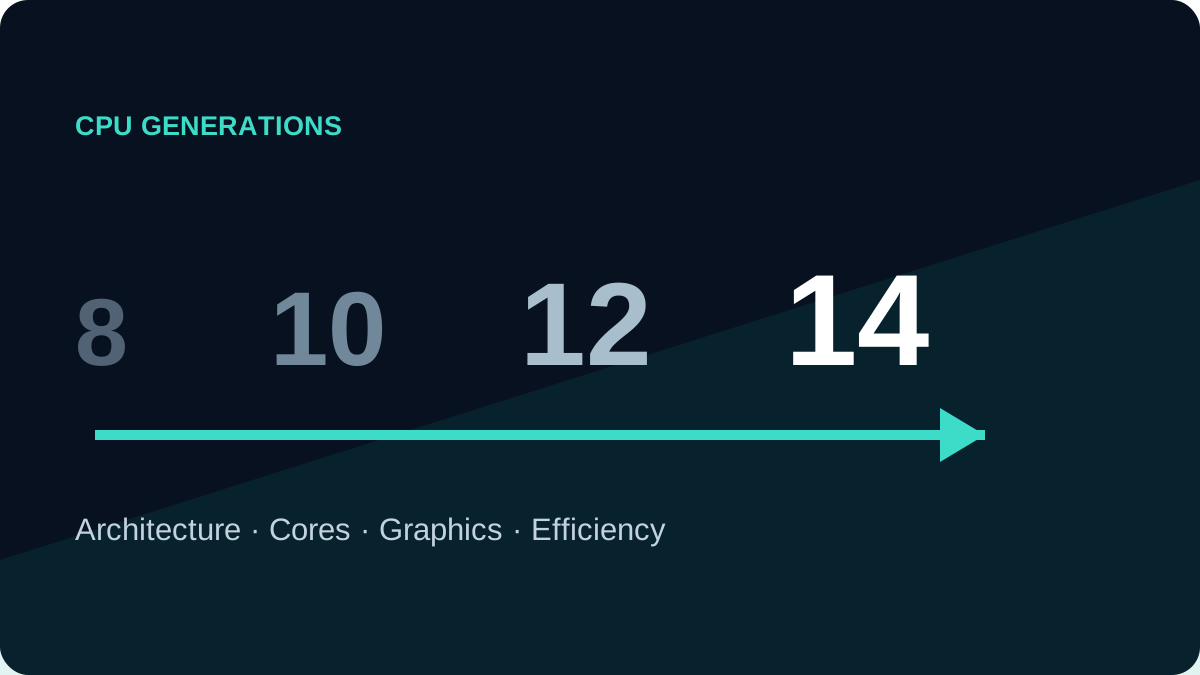
A generation is a design cycle within a processor family. It may bring faster architecture, more cores, better graphics, newer memory support or higher efficiency. It does not make every new chip faster than every older chip because tier, power class and cooling still matter.
Traditional Intel Core numbering
In many traditional Core names, the first one or two digits after the hyphen identify the generation: i5-8250U is 8th Gen, i5-10210U is 10th Gen and i5-1135G7 is 11th Gen. Do not apply that rule blindly to every new product family.
Modern names
Core and Core Ultra use newer naming structures. Core Ultra 7 155H is not decoded in exactly the same way as i7-1165G7, so keep the full name and check Intel’s official naming guide.
AMD Ryzen
AMD model-number rules have changed over time. Open the official specification for the complete model and check launch date, architecture, cores, power and graphics instead of relying on the first digit alone.
| Generational change | Possible result |
|---|---|
| Architecture and IPC | More speed at a similar clock |
| Core layout | Faster multitasking and rendering |
| Integrated graphics | Better video, displays and light games |
| Memory and PCIe | Support for newer RAM and storage |
| Manufacturing efficiency | Potentially more performance per watt |
A five-step comparison
- Write both full processor names.
- Check launch year, architecture, cores and threads.
- Compare similar power classes.
- Review sustained tests of the exact laptops.
- Compare RAM, SSD, display, battery and warranty.
Should you always buy the newest?
No. A well-built older business laptop with 16GB and a good display can beat a new low-end system as a complete purchase. A newer platform becomes more valuable when you need modern media engines, ports, memory standards, efficiency or a longer operating-system support window.