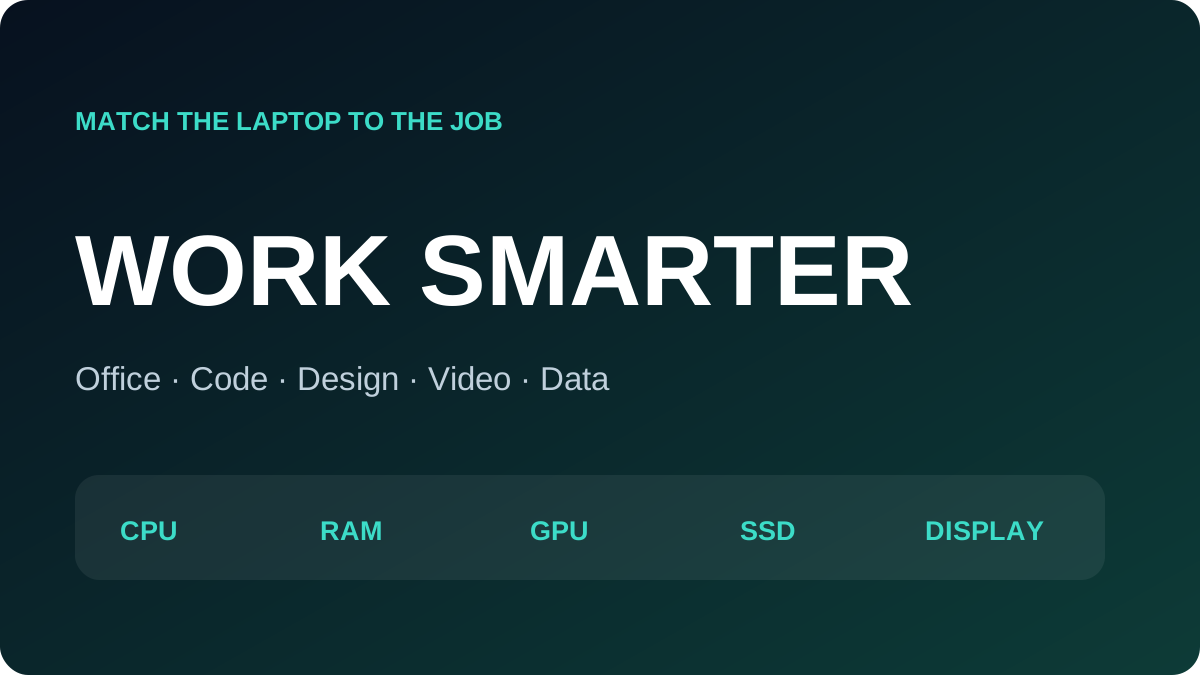
Start with applications, file size and mobility—not the CPU badge. A travelling salesperson needs battery life, weight and connectivity; a desk-based designer needs display accuracy and suitable graphics even if the laptop is heavier.
| Role | CPU | RAM | GPU | Storage |
|---|---|---|---|---|
| Office/admin | Recent i3/i5 or Ryzen 3/5 | 8–16GB | Integrated | 256–512GB SSD |
| Accounting/sales | i5/Ryzen 5 | 16GB | Integrated | 512GB SSD |
| Development | i5/i7 or Ryzen 5/7 | 16–32GB | Project-dependent | 512GB–1TB NVMe |
| 2D design | i5/i7 or Ryzen 5/7 | 16–32GB | Strong iGPU or dGPU | 512GB+ NVMe |
| Video and 3D | H-class i7/Ryzen 7+ | 32GB+ | 4–8GB+ dGPU | 1TB NVMe |
| Data | Workload-dependent cores | Often 32GB | Depends on ML | Fast 1TB |
Office and customer service
Prioritise SSD responsiveness, a comfortable keyboard, good webcam and microphone. 16GB keeps a browser, Teams, Excel and business tools comfortable. An FHD IPS display and USB-C dock support long desk sessions.
Accounting and ERP
Choose 16GB, reliable SSD storage and a recent mid-tier processor. Large spreadsheets benefit from strong responsiveness and more memory. A number pad may matter more than graphics.
Software development
Web development is comfortable with 16GB, a recent 4–8-core CPU and 512GB. Docker, VMs, Android Studio and local databases justify 32GB and 1TB. Dedicated graphics are optional unless the project involves games, ML or GPU compute.
Design, video and 3D
For design, evaluate the display as carefully as the GPU. Medium 2D work can run on modern integrated graphics; large effects and 3D benefit from a dGPU. Layered 4K editing commonly calls for 32GB, at least 4GB VRAM and fast 1TB storage. 3D and engineering work also need sustained cooling and application-compatible graphics.
Field and sales work
Weight, real battery health, brightness, chassis strength, Wi-Fi and conferencing quality are more important than a peak benchmark. A 13–14-inch business laptop with USB-C charging is often the practical choice.
A durable buying process
- List your three largest applications.
- Estimate file size and simultaneous apps.
- Buy enough memory for two years or choose upgradeability.
- Use SSD storage and maintain backups.
- Test display, battery, ports and cooling.
- Keep invoice, serial and warranty records.